

Calendar
100+
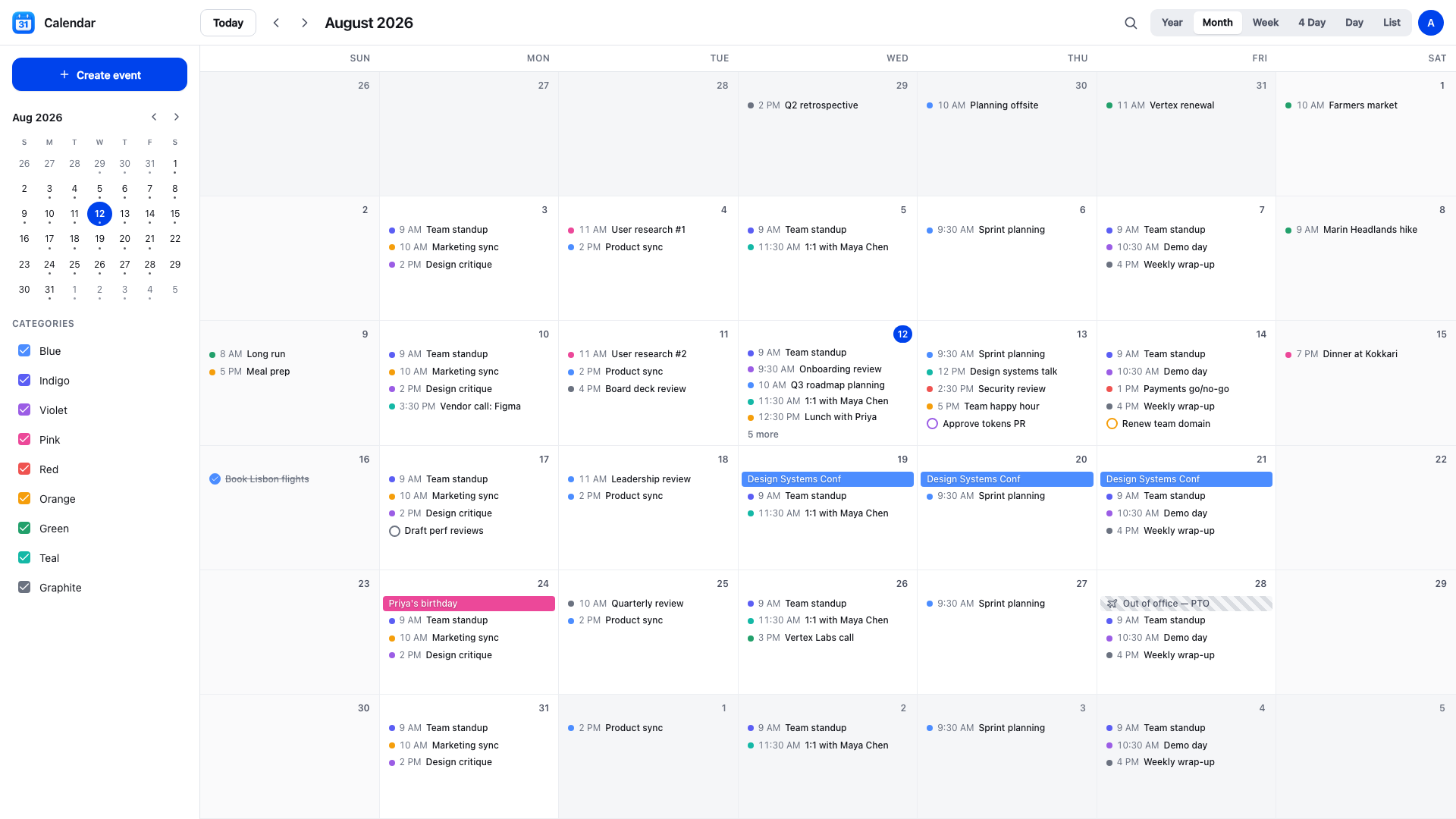
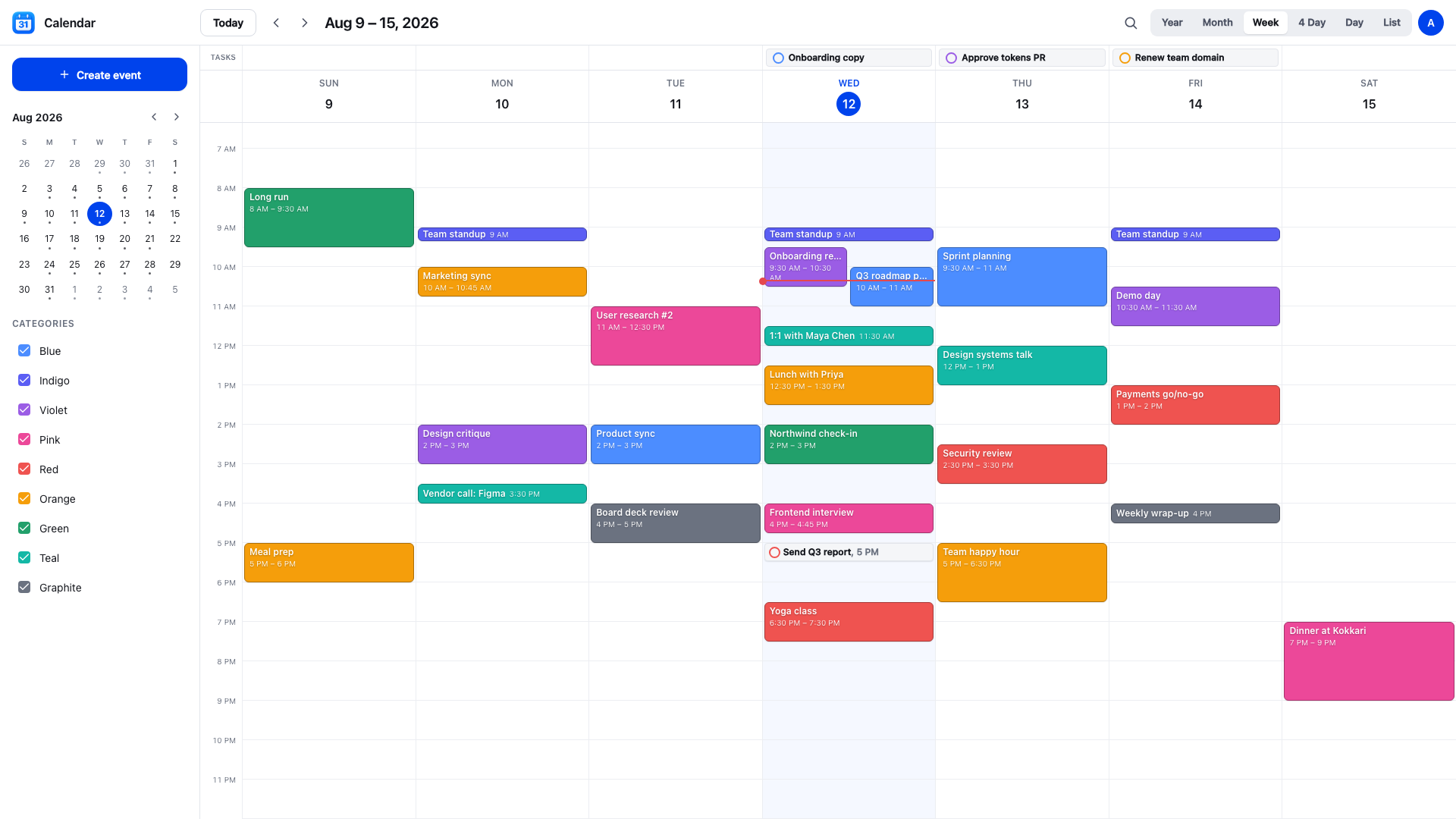
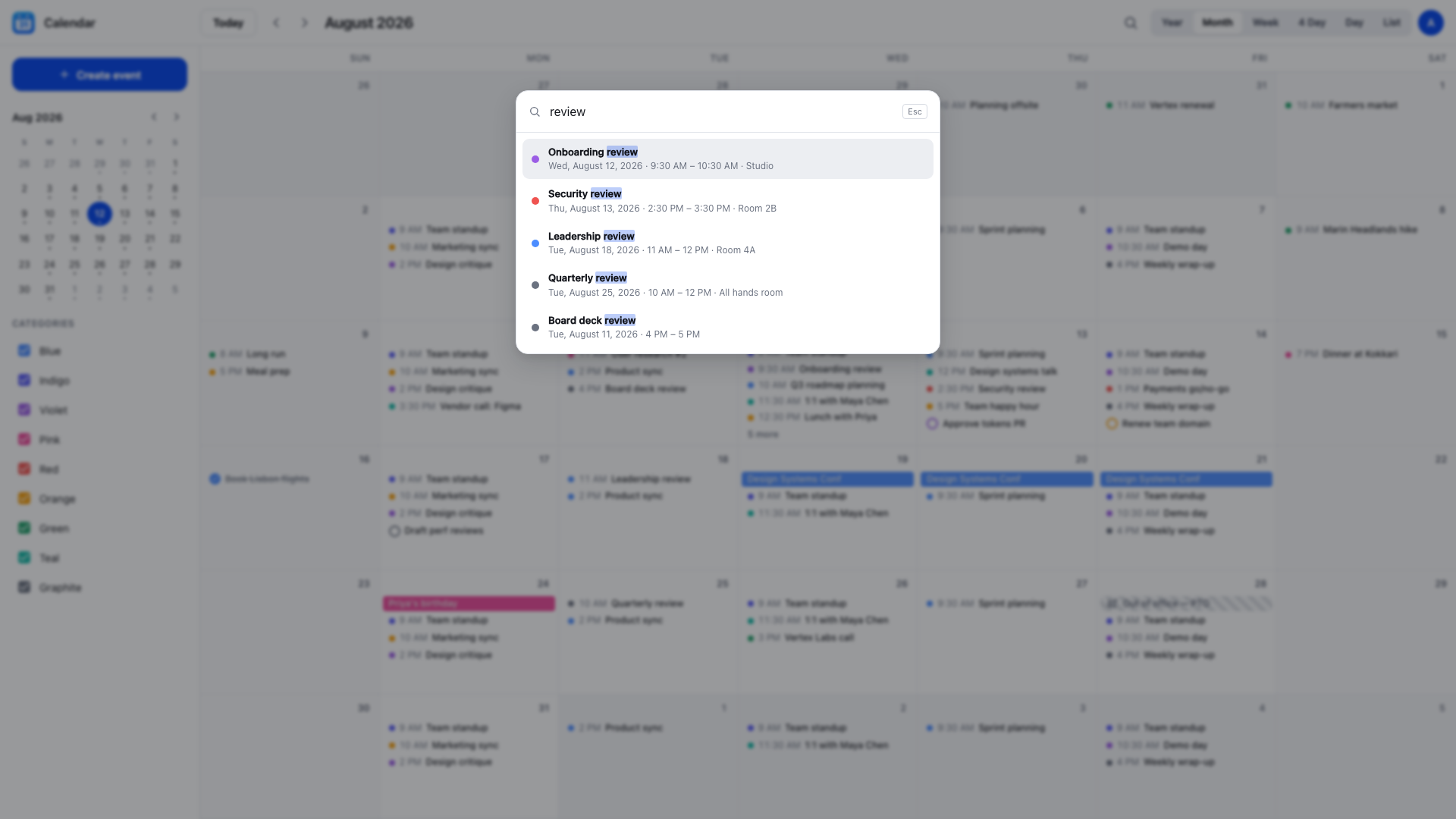
Calendar gives you a complete, fast calendar in the browser. Six views cover every way you plan: a full year at a glance, a month grid, a week or four-day timeline, a single focused day, and a grouped list of everything coming up. Overlapping meetings sit side by side, a live line tracks the current time, and you can drag any event to reschedule it or drag its edge to change the length.
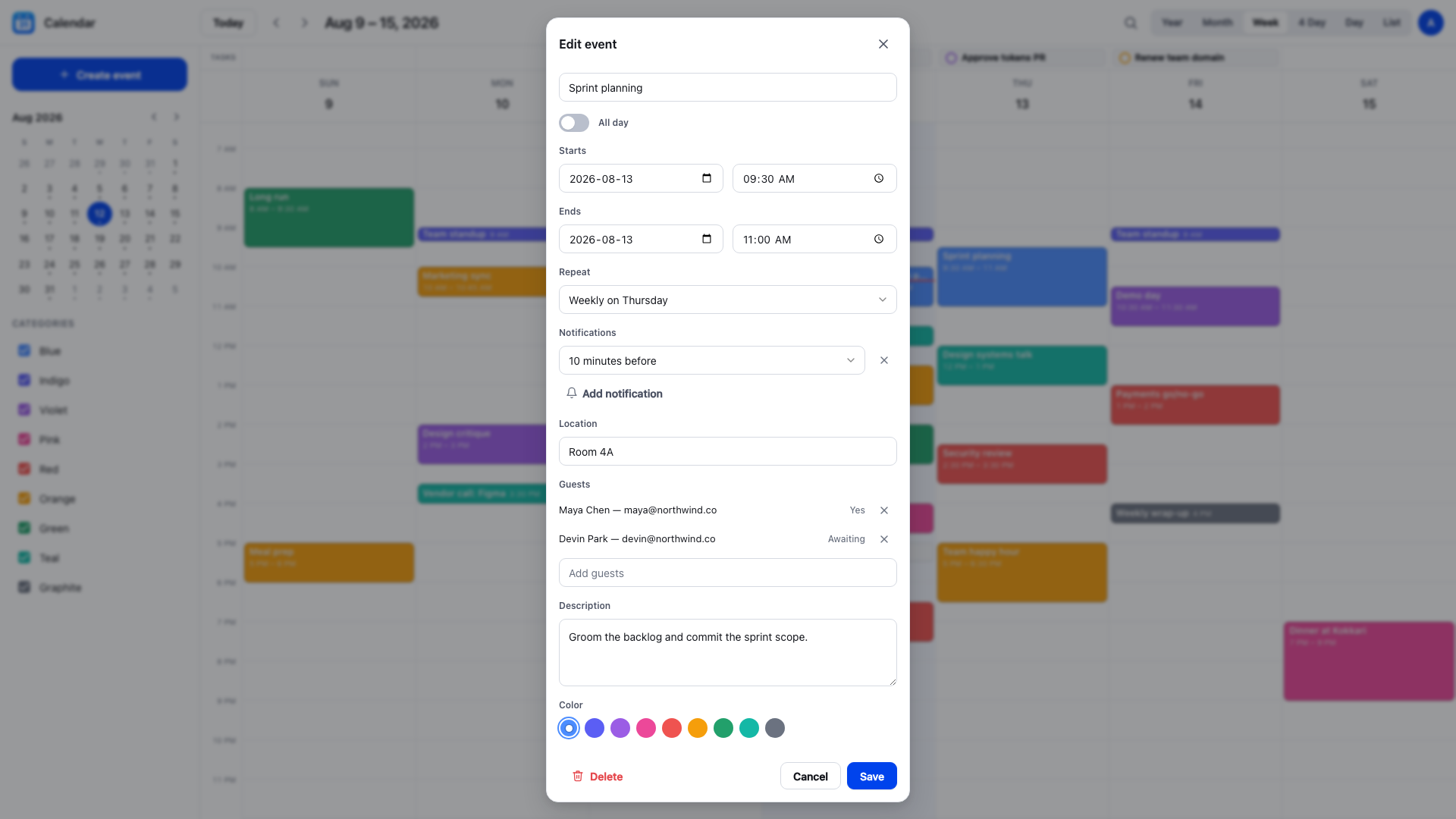
Everything you need for real scheduling is built in. Set an event to repeat daily, weekly on the weekdays you pick, monthly by date or by weekday, yearly, or on a custom interval, then edit or cancel a single occurrence, everything from a point forward, or the whole series. Add reminders that raise a browser notification before an occurrence, invite guests and collect their answers, block out time as out of office, and keep to-dos beside your meetings so your day is in one place.
What makes Calendar different is where your data lives. It signs in with a free Puter account and writes every event to your own Puter storage, so there is no separate account to create and no shared database holding your schedule. You can export the whole calendar to an iCalendar or JSON file at any time and import it somewhere else. Recurring series survive the round trip, including individual occurrences you changed or canceled.
It works the way you expect on every screen. On a phone you get a bottom tab bar and a slide-out sidebar; on a desktop you get the full three-pane layout. Install it to your home screen or dock, and a previously loaded calendar still opens when you are offline.
Similar apps
© Puter Technologies Inc. 2026