

M3U Vault
10+
M3U Vault
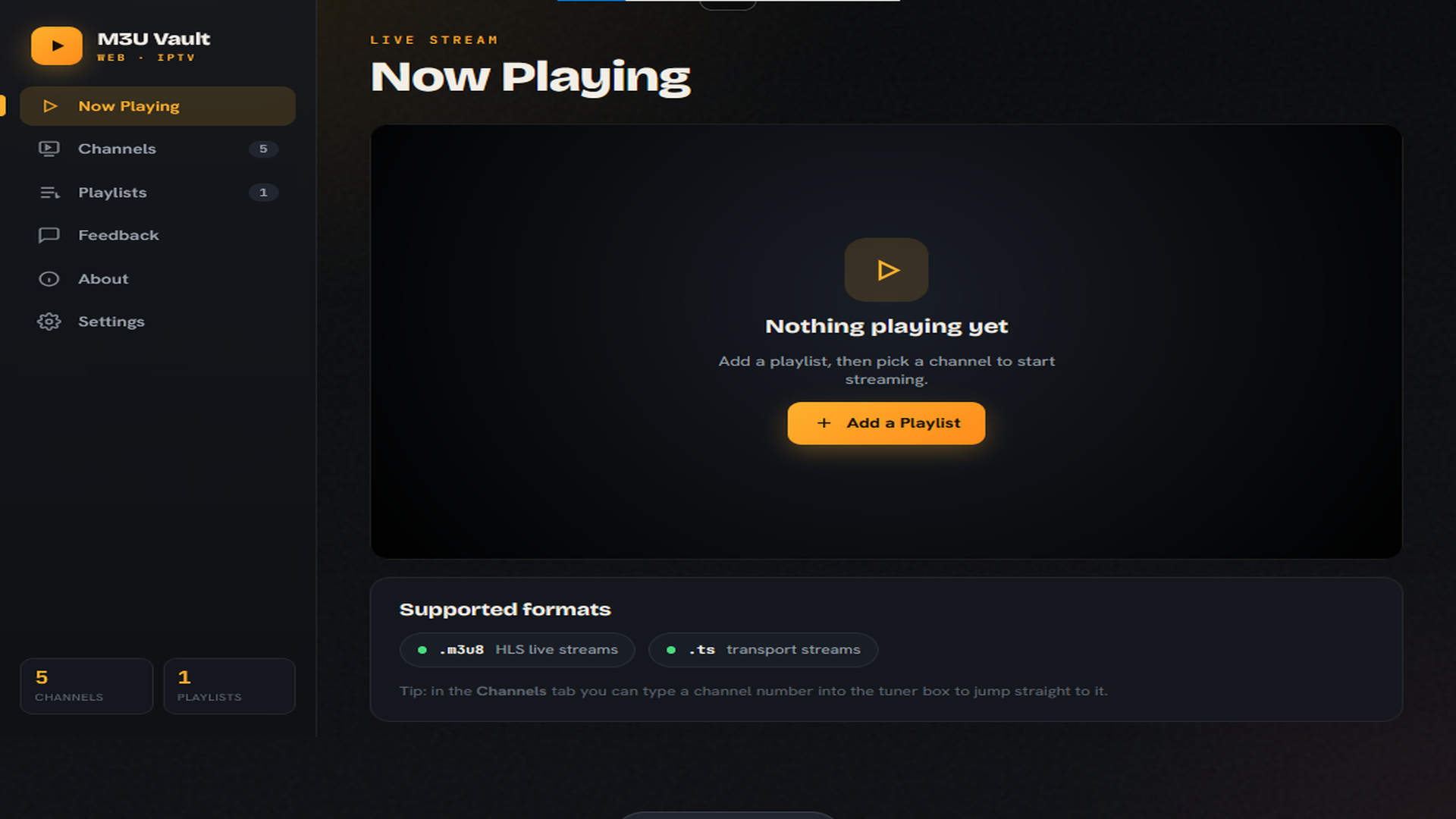
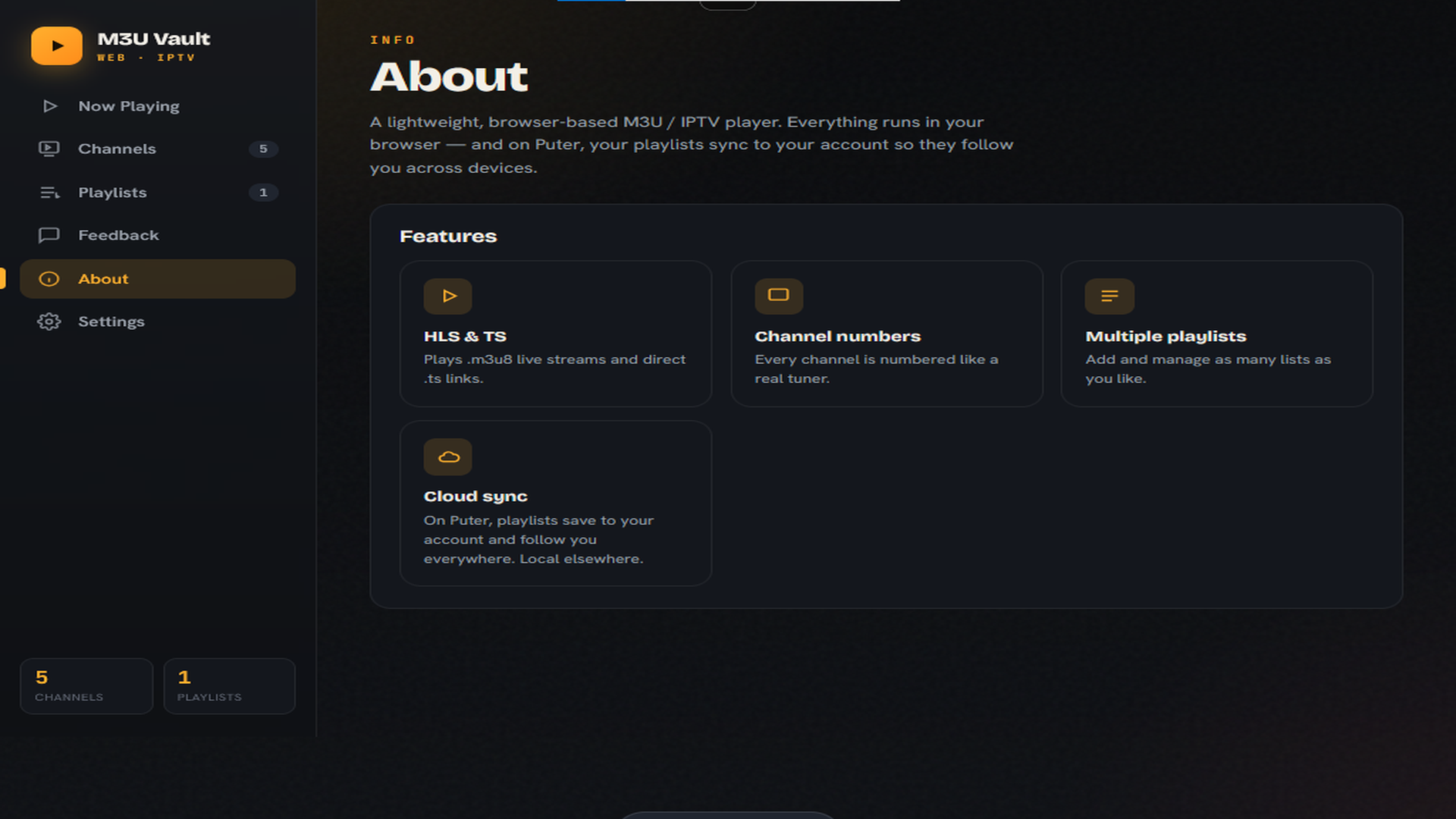
M3U Vault is a lightweight, modern player for M3U / M3U8. Load a playlist you already have — from a file or a URL — and it organizes everything into a clean, numbered channel list you can search, filter, and play in a single tap.
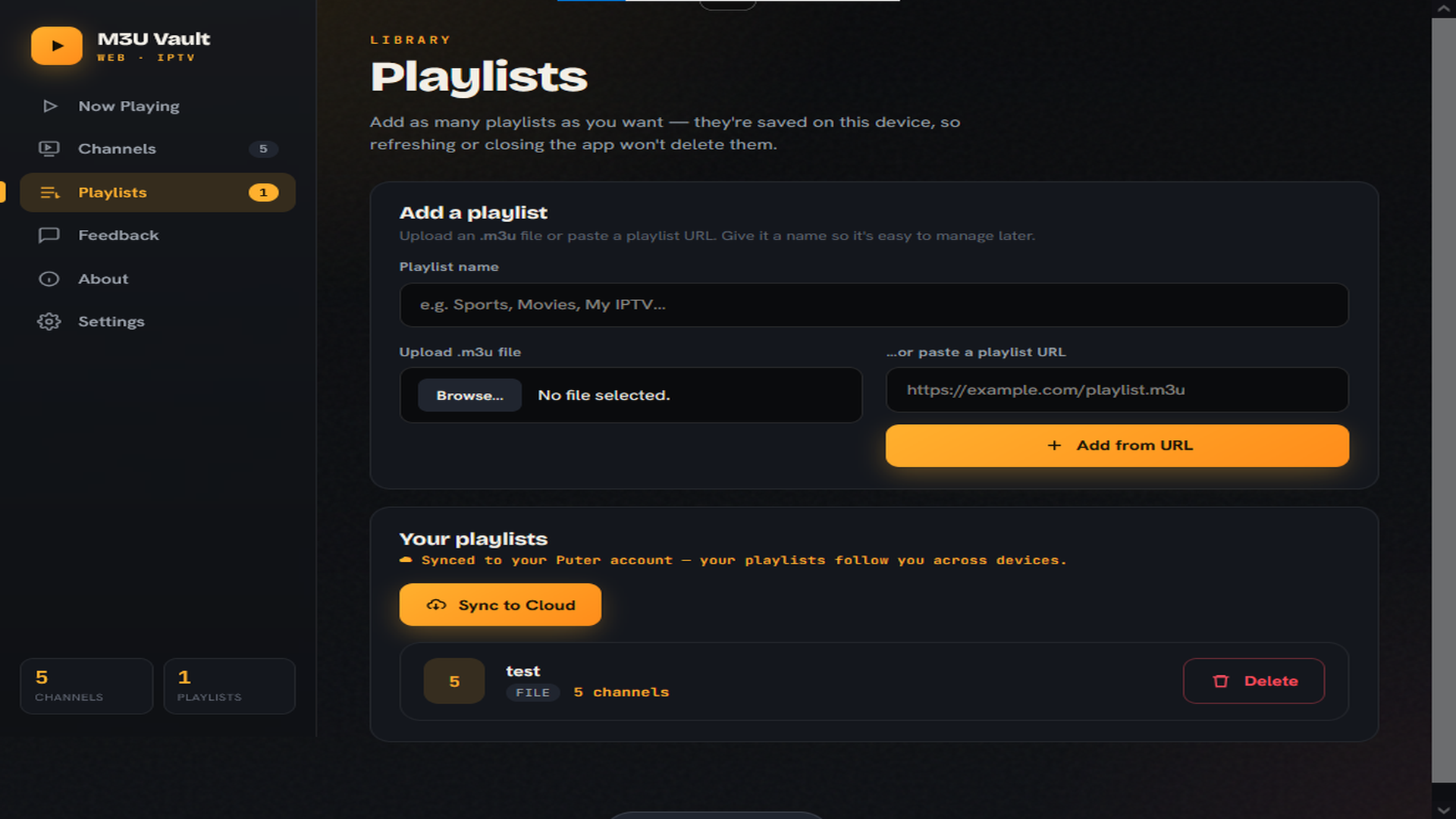
Everything runs locally in your browser. When used as a Puter app, your playlists are saved to your Puter account so they follow you across devices; everywhere else they're stored on your device. Refreshing or reopening never loses your lists.
FEATURES
- Add and manage multiple playlists
- Cloud-synced playlists on Puter (local storage fallback elsewhere)
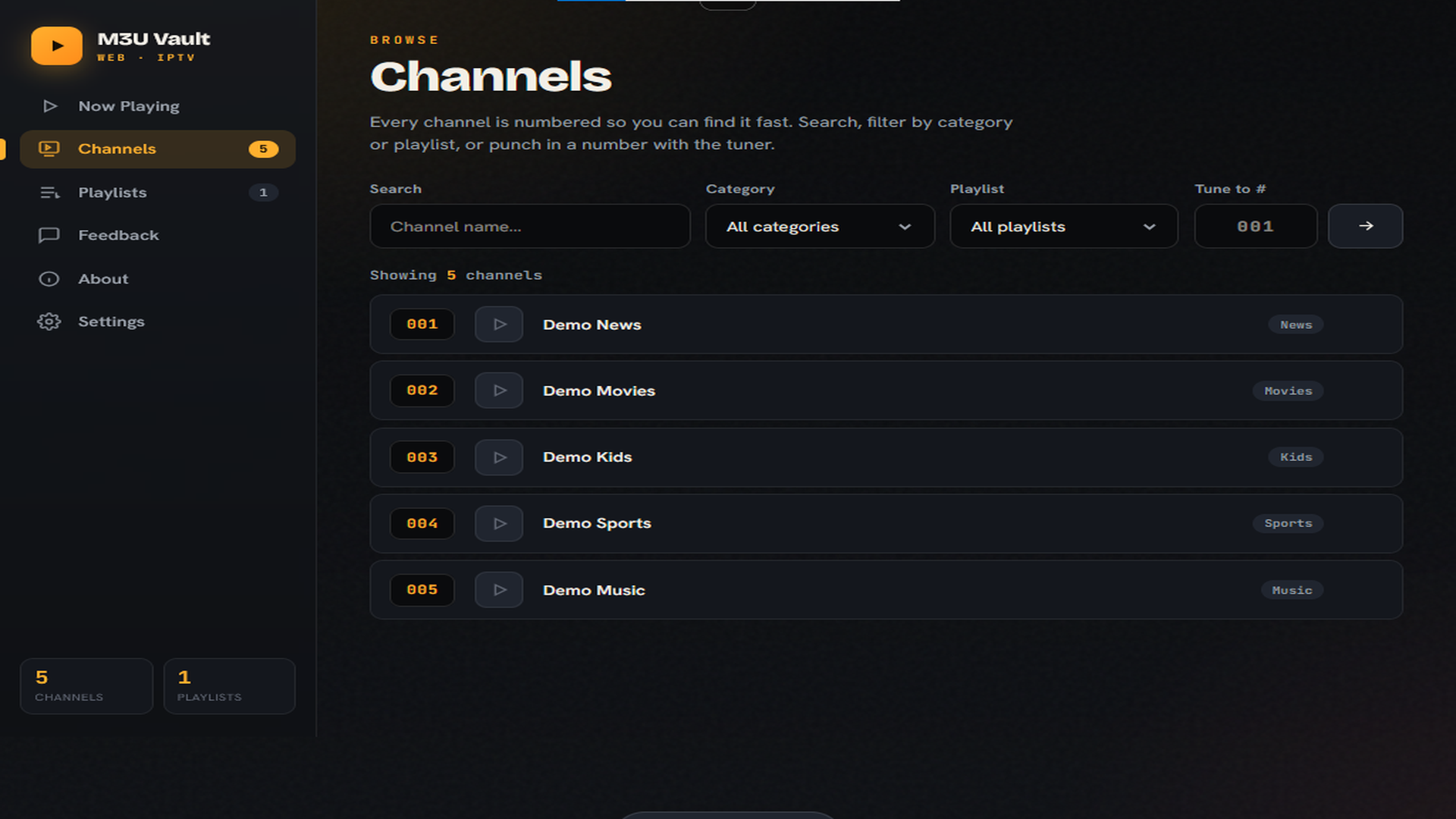
- Numbered channels with a quick "tune to #" jump, just like a TV remote
- Fast search and category filtering
- Plays .m3u8 (HLS live streams) and .ts links
- One-tap per-playlist delete
- Clean, distraction-free interface
- Free and ad-free
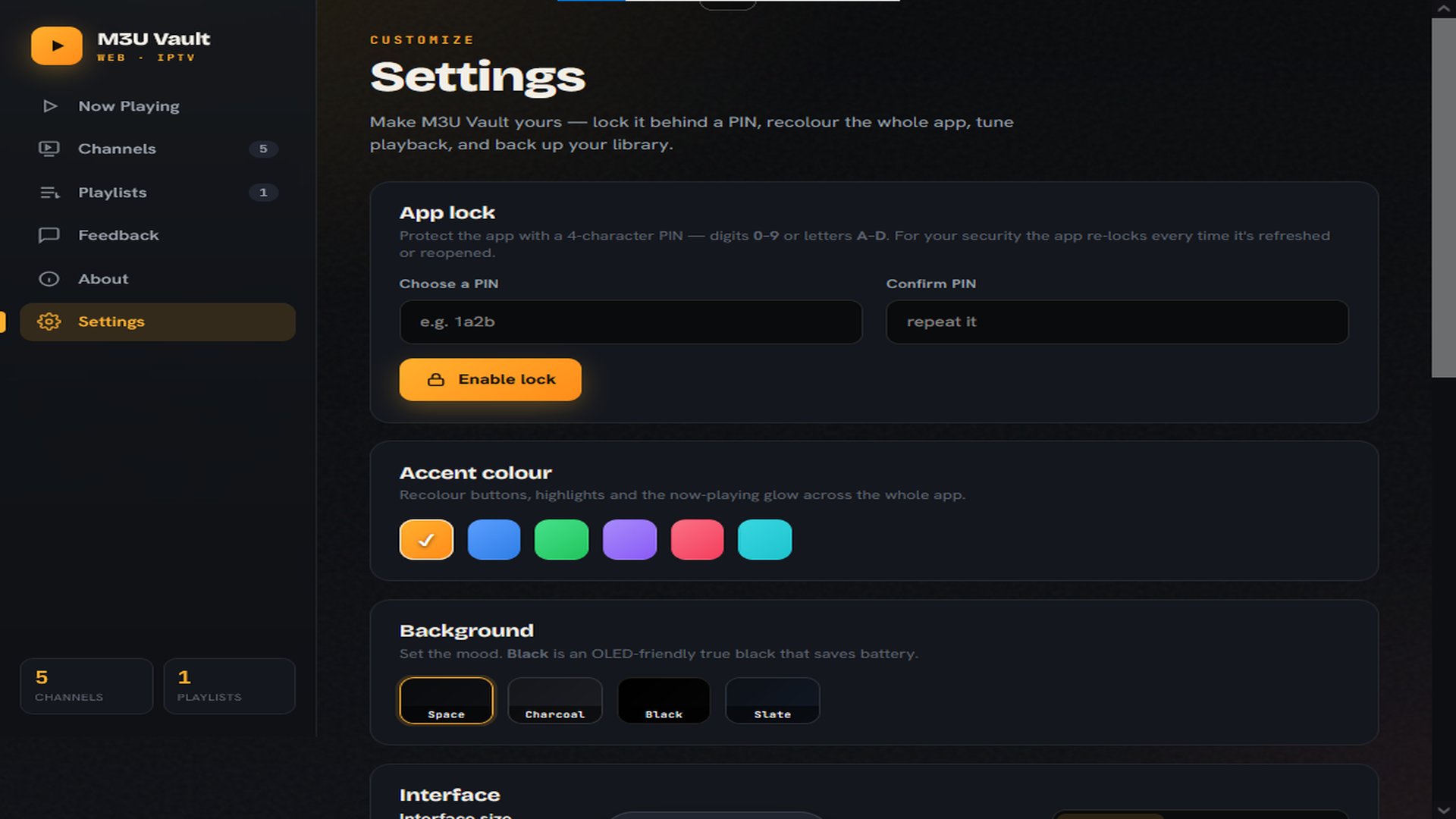
-Built in app lock
-Theme customization
- Backup and restore
HOW IT WORKS
1. Open the Playlists tab.
2. Upload an .m3u file or paste a playlist URL.
3. Browse your numbered channels and tap any one to play.
IMPORTANT — NO CONTENT INCLUDED / LEGAL NOTICE
M3U Vault is only a media player. It does NOT provide, host, include, bundle, or distribute any channels, streams, media, or playlists of any kind. The app ships completely empty — there is no preloaded or built-in content whatsoever, and it does not contain or link to anything illegal.
To use it, you supply your own M3U playlist that you own or are legally authorized to access. You are solely responsible for the content you load and for complying with all applicable laws and the terms of your content providers. This is a neutral playback tool — similar to a browser-based media player — and is not affiliated with, and does not promote or enable, piracy, illegal streaming, or copyright infringement.
Similar apps
© Puter Technologies Inc. 2026