
Open Publisher
10+
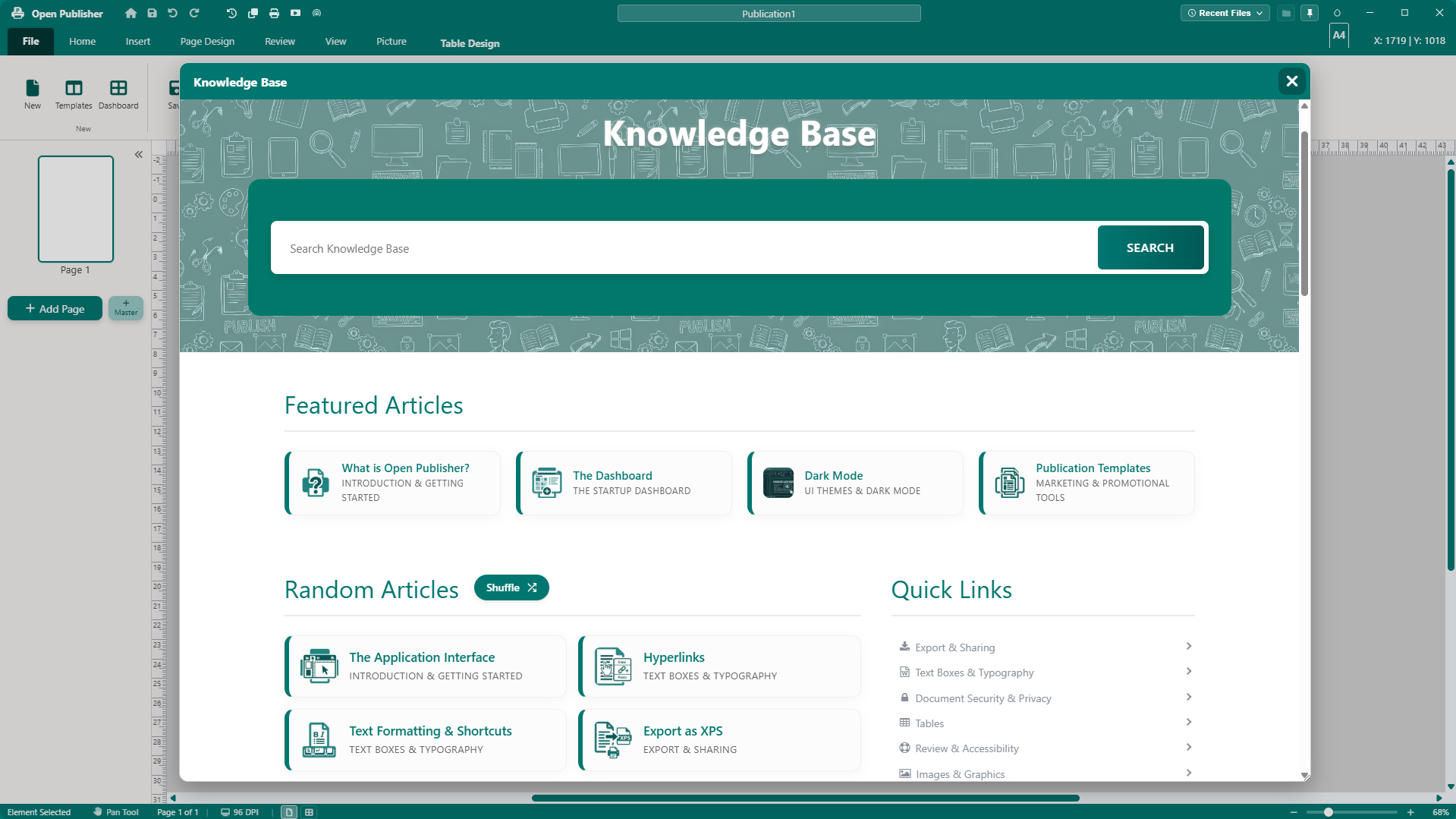
Free Desktop Publishing Without Ads or Subscriptions
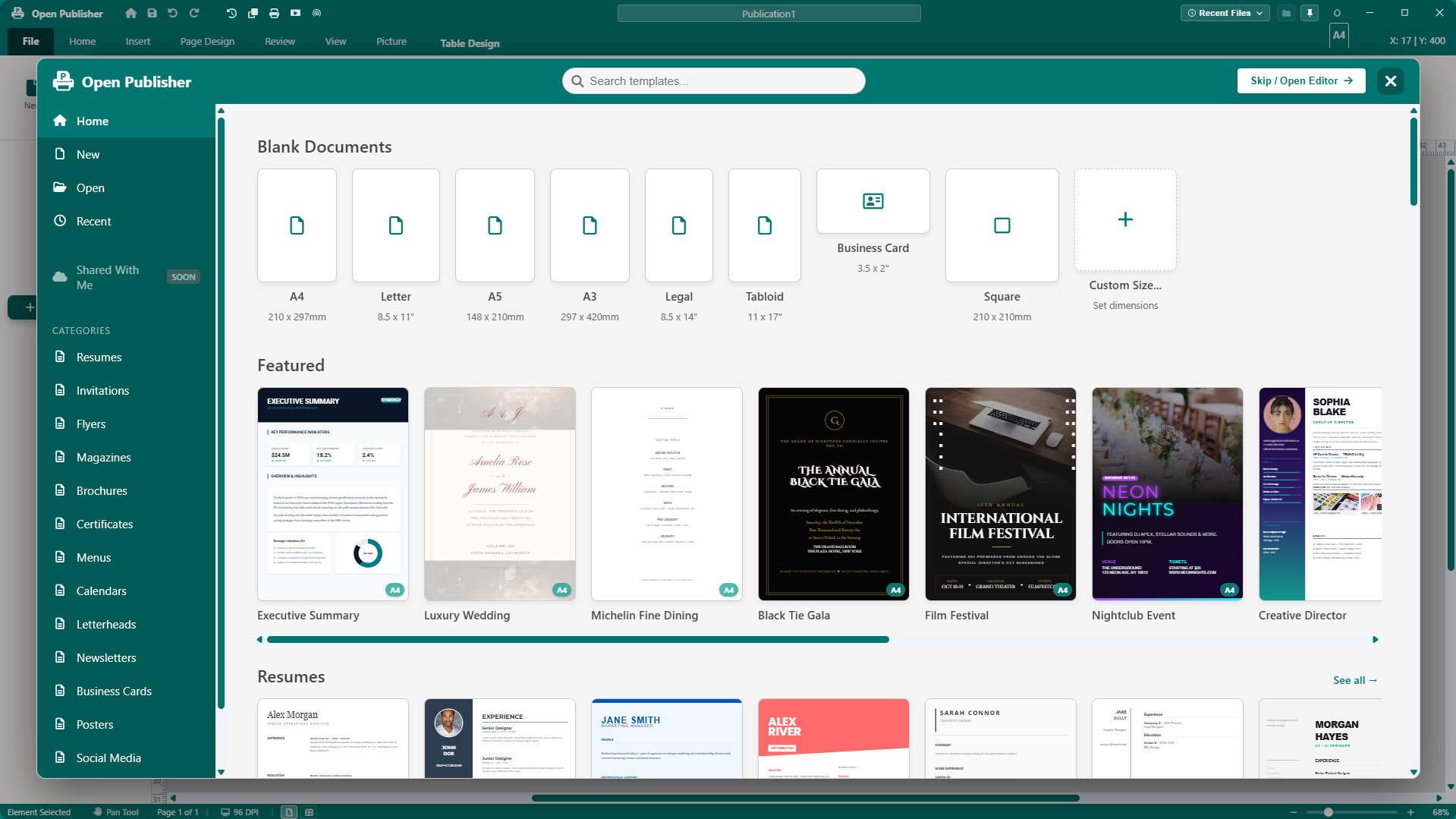
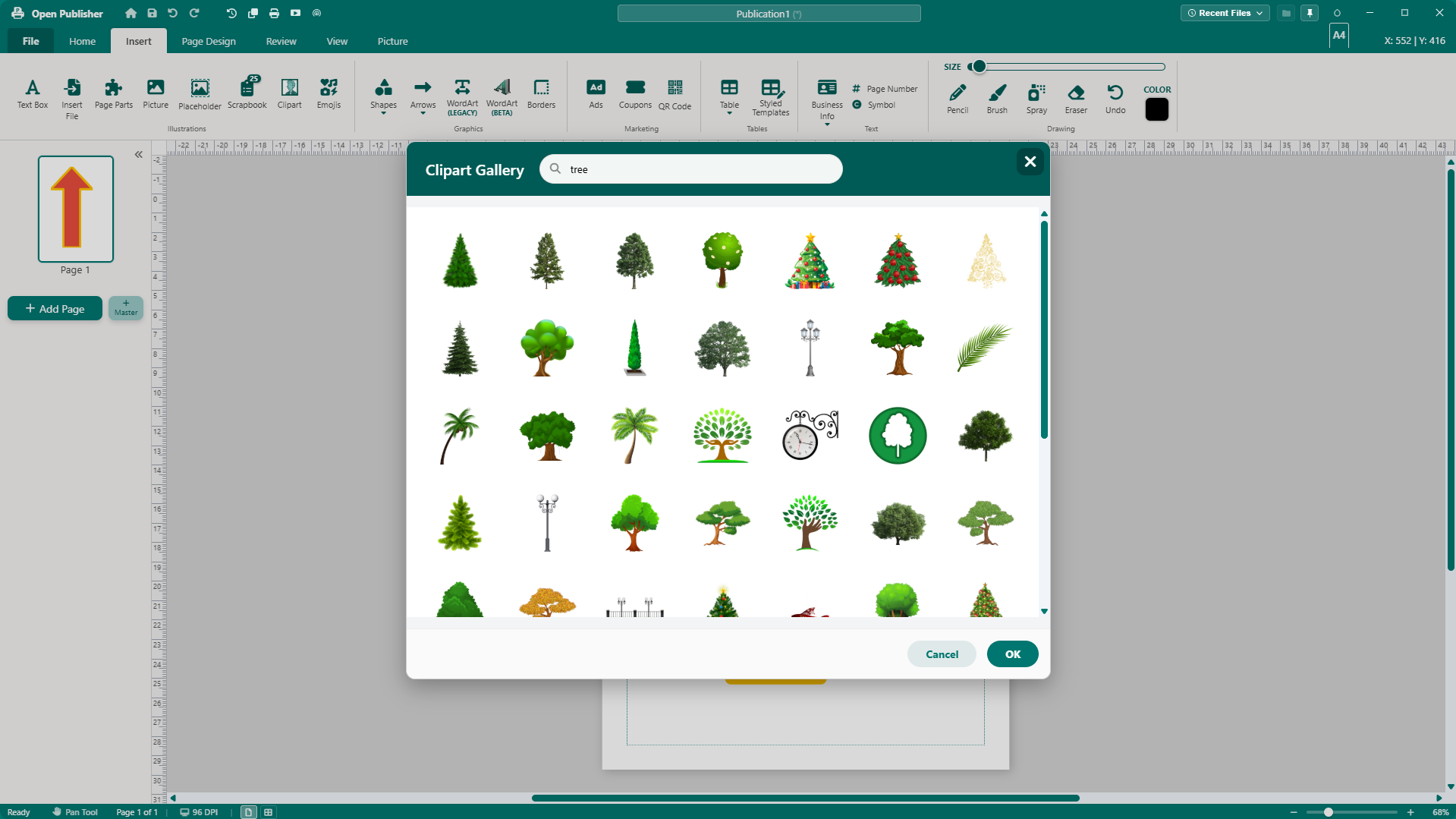
Open Publisher is a full-featured WYSIWYG desktop publishing suite built as a free, open-source alternative to Microsoft Publisher. Craft newsletters, brochures, flyers, posters, menus, and books on a true physical-measurement canvas (CM, MM, Inches) with absolute coordinate control, linked multi-column text, 200+ vector shapes, 60+ 3D WordArt styles, 3,400+ transparent clipart graphics, and pre-flight proofing.
Cross-Platform Availability
- Windows: Standard installer (.exe) or portable version.
- macOS: Native macOS UI and menu bar integration.
- Linux: Available in .deb, .rpm, and .AppImage formats.
- Web: Fully accessible Progressive Web App (PWA) with offline support.
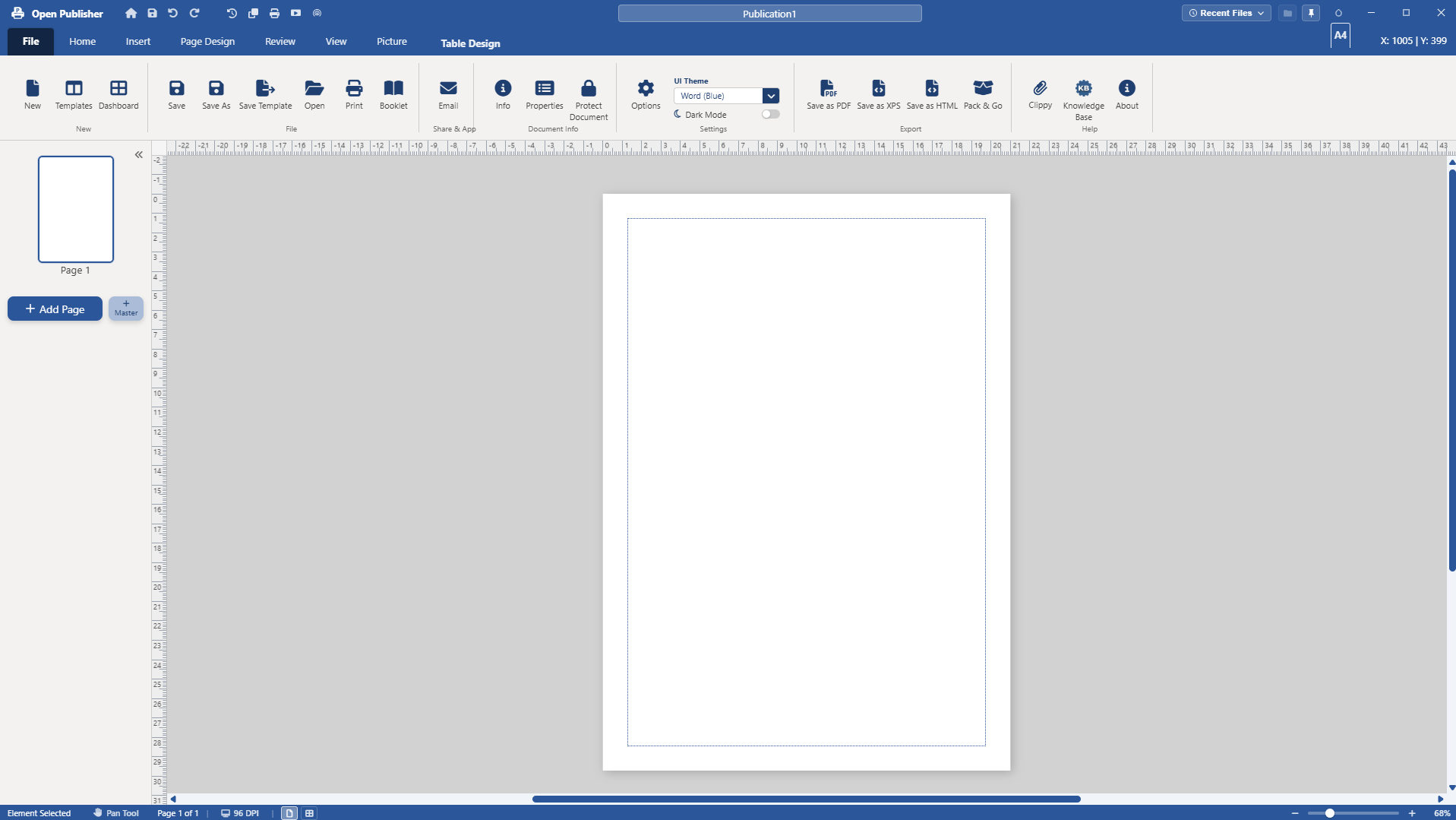
The Ribbon Interface
- File: Open, save, export, print, and document settings.
- Home: Formatting, clipboard, paragraph alignment, and quick export.
- Insert: Text boxes, pictures, shapes, WordArt, tables, page parts, clipart, and QR codes.
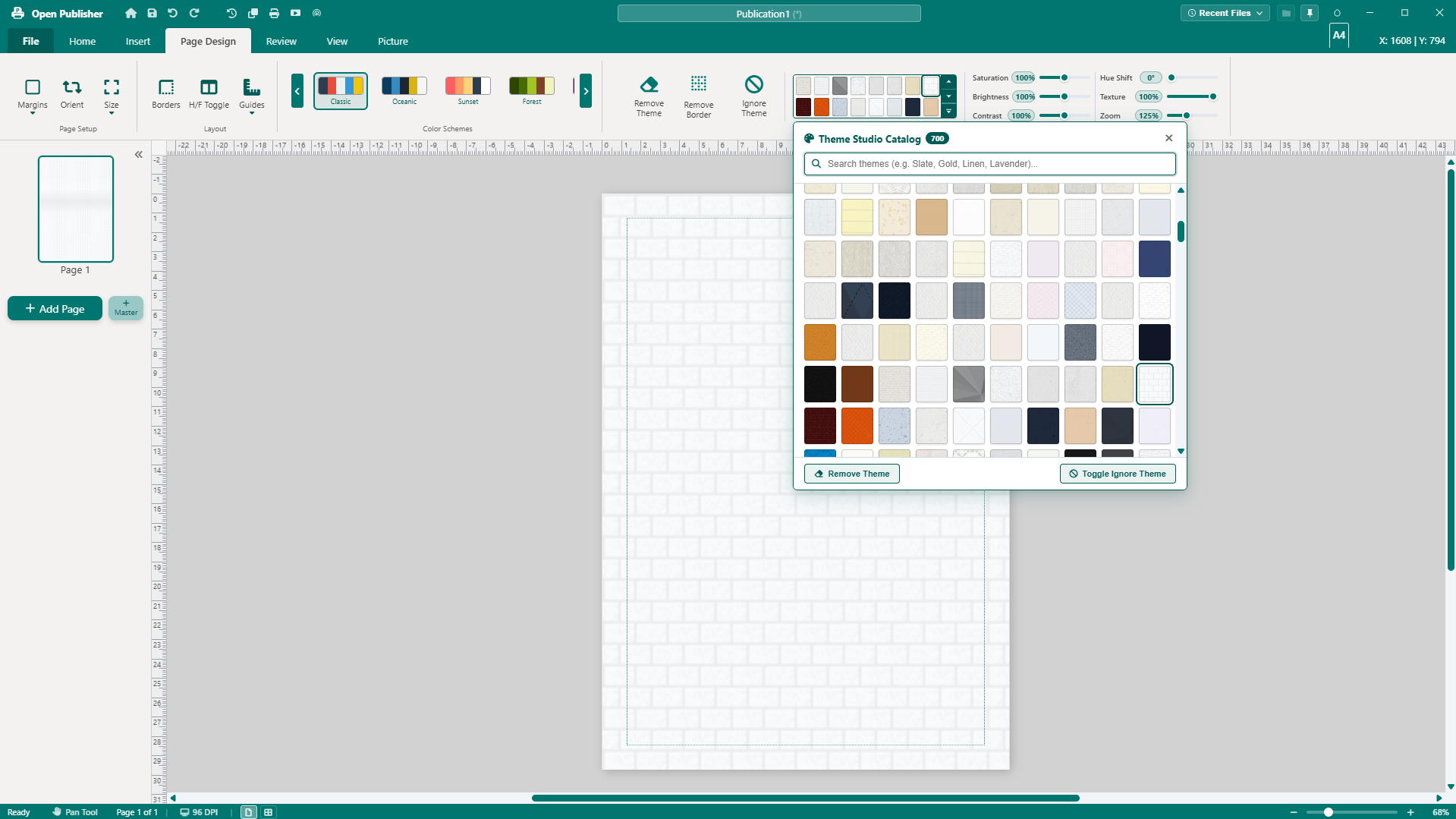
- Page Design: Page size, margins, colour schemes, backgrounds, borders, and guides.
- Review: Spell check, thesaurus, word count, accessibility auditing, and the Writer's Analysis Suite.
- View: Zoom, rulers, grid, baseline guides, spread mode, scratch area, and colour-blindness proofing.
- Picture Tab: Recolouring, adjustments, cropping, compression, and arranging.
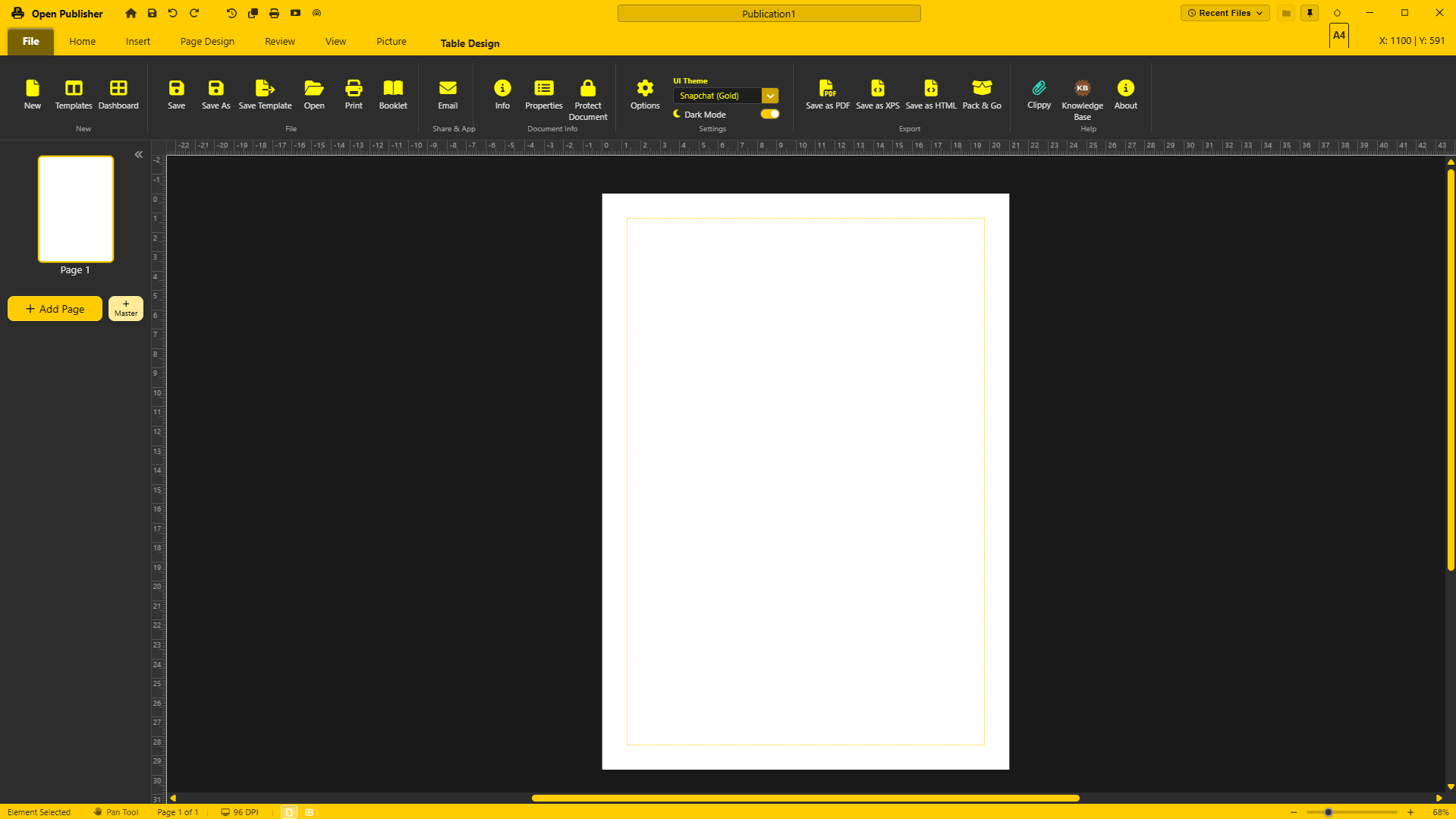
- Themes: Customisable UI themes including Classic Teal and Dark presets.
Core Features
Advanced Typography
- Full font styling: Font family (with Google Fonts), size, weight, colour, and mini-toolbar.
- Tab stops with leaders: Dot, dash, and solid line options for menus and tables of contents.
- Precision layout: Custom line spacing modal, drop caps, vertical text alignment, and automatic hyphenation.
- Multi-column flow: Link text boxes across multiple columns and pages.
- Symbols & tokens: Dynamic page numbering, character picker, and hyperlink support.
Shapes & 3D Elements
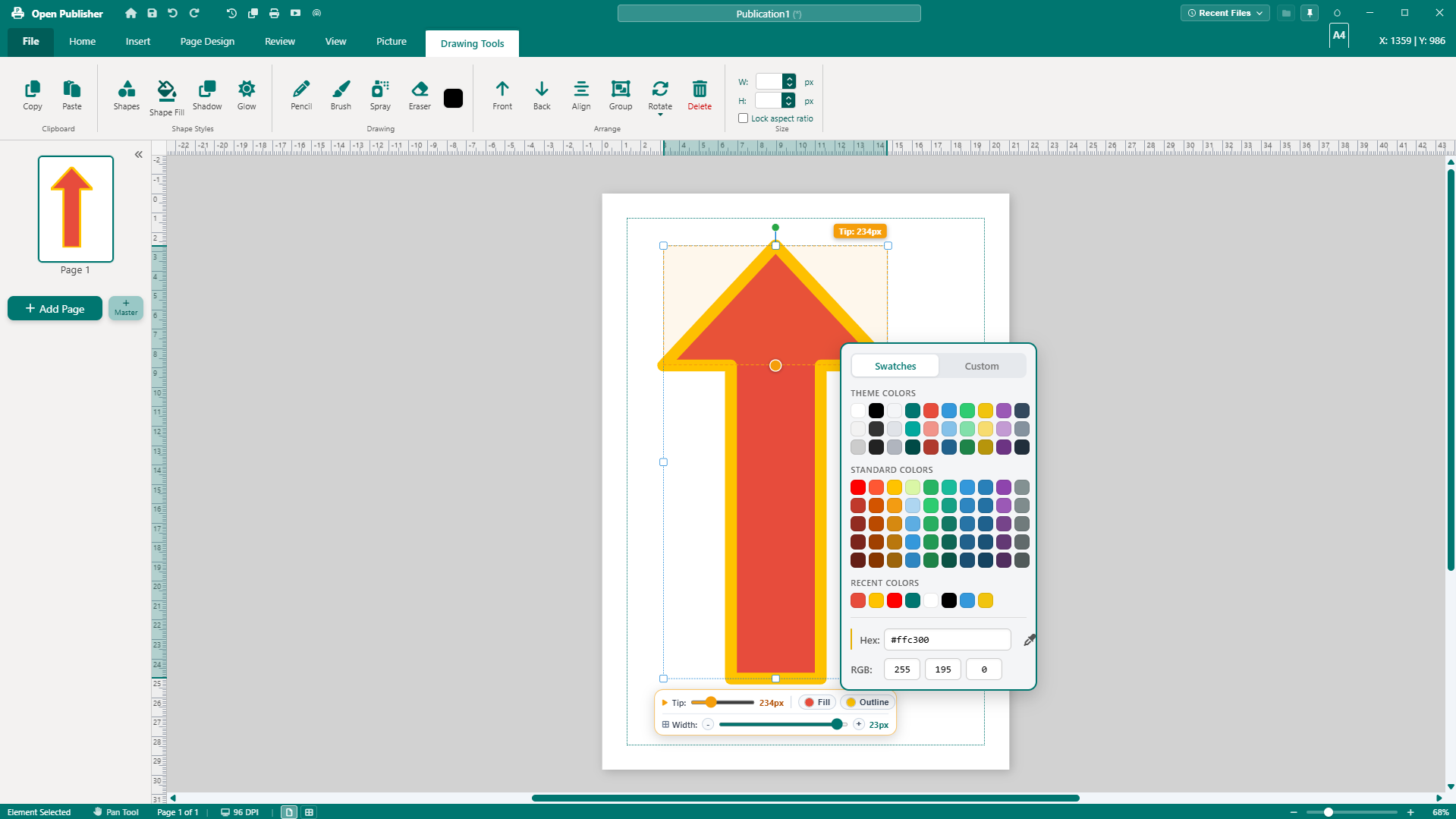
- 200+ scalable SVG vector shapes across standard fills, outlines, symbols, and arrows.
- Supports solid, gradient, pattern, and texture fills with custom borders.
- Dedicated 3D rotation engine to tilt and spin elements in 3D space.
- Free resize, rotation, layer arrangement (z-index), and grouping.
Image Manipulation
- Drag-and-drop insertion from local storage or clipboard.
- Picture placeholders for rapid page templating.
- Batch replace images document-wide in one click.
- Non-destructive rectangular cropping and 14 crop-to-shape presets.
- Adjustments: Brightness, contrast, tinting, colour filters, and built-in compression.
- Graphics Manager: Sidebar panel to audit and jump to any image in the project.
- In-canvas drawing directly on top of pictures.
Tables
- Grid picker (up to 10x10) or custom dimension dialogs.
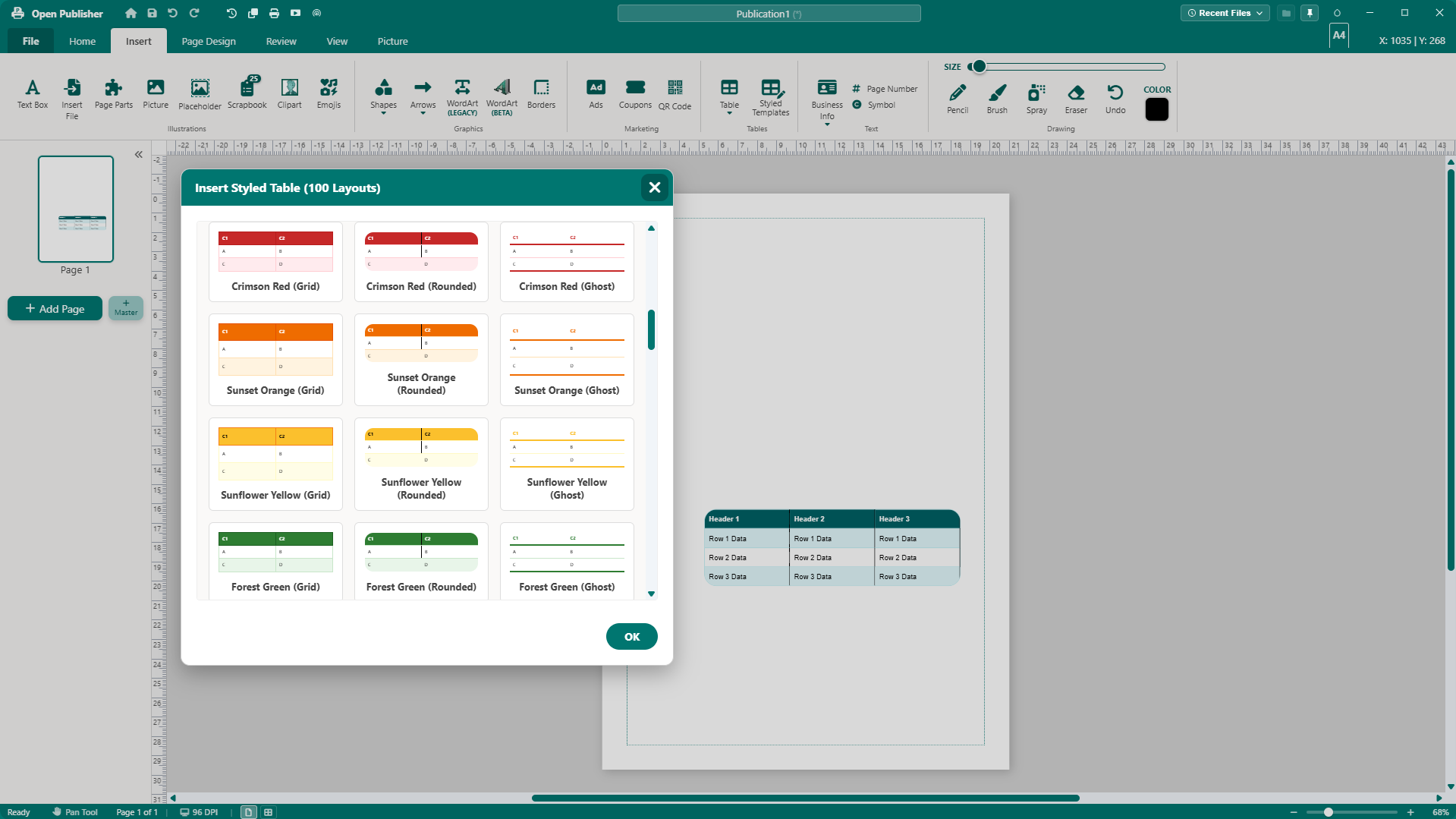
- 100 pre-designed styling templates with multi-cell selection.
- Import data directly from Excel (.xlsx / .xls) files.
WordArt, Clipart & Emojis
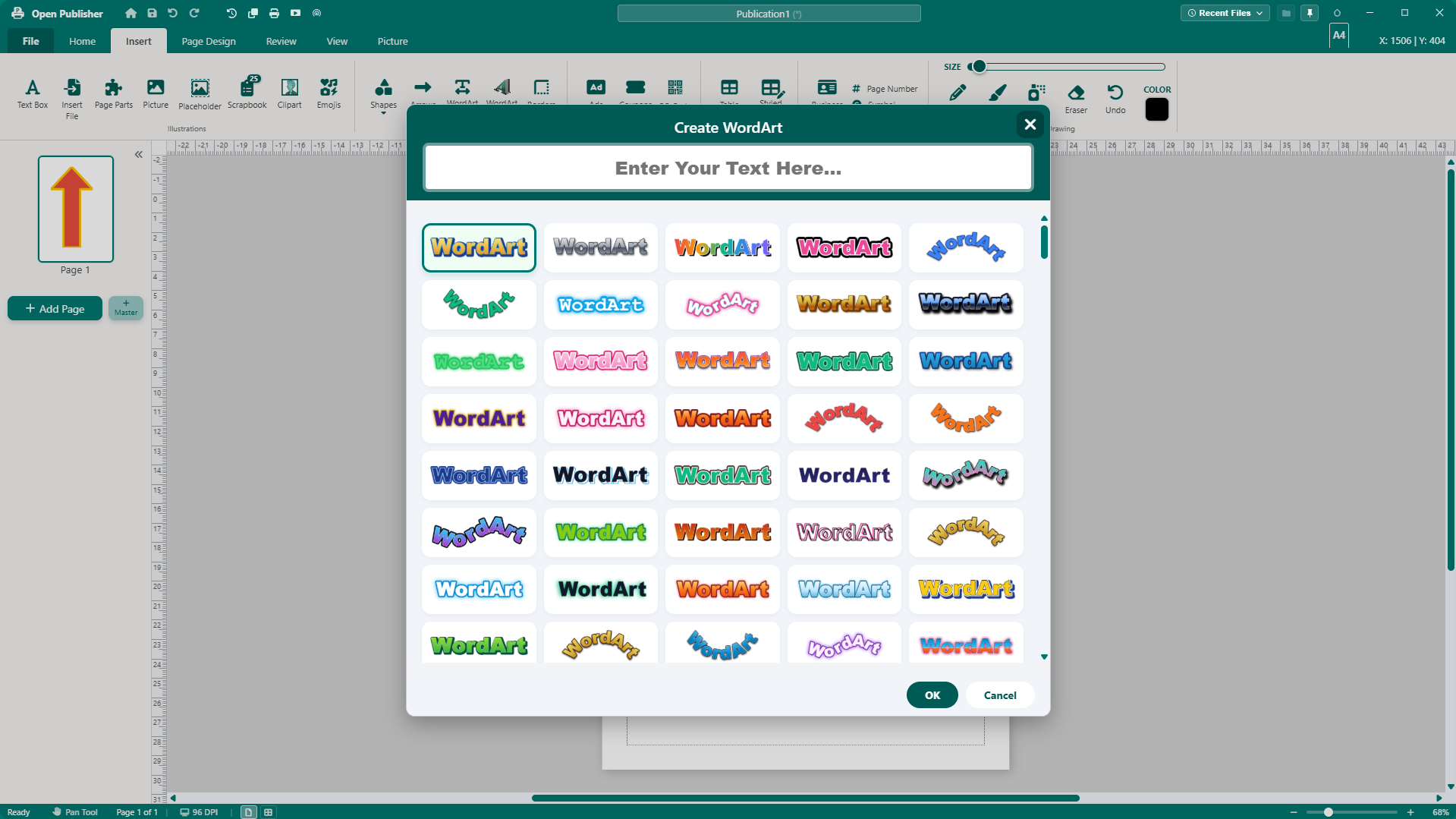
- Legacy WordArt presets plus 60+ high-resolution image-based WordArt styles (neon, holographic, 3D extrusion, metallic).
- Built-in offline library of 3,403 transparent clipart images, plus online clipart search.
- Native emoji picker for scalable canvas elements.
Drawing Tools & Page Parts
- Freehand canvas tools: Pencil, Brush, Spray, and Eraser with size and colour controls.
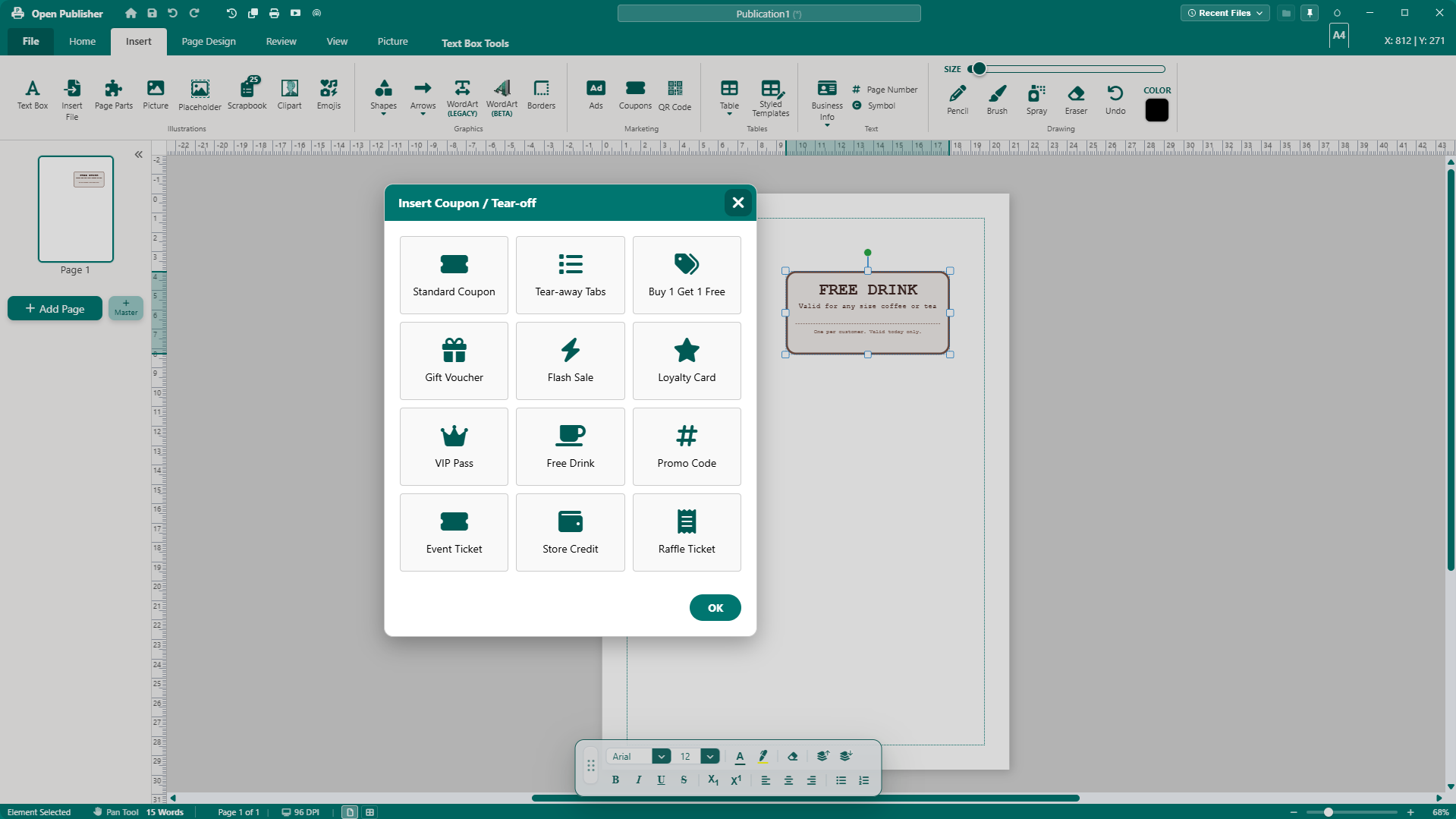
- Page Parts library: Pre-built sidebars, pull quotes, headers, contact blocks, bio cards, coupons, and review quotes.
Marketing & Business Tools
- Built-in QR Code Generator, Coupon Builder, and Advertisement Composer.
- Business Information System: Store profile details (name, job title, company, contacts, logo) and generate instant Letterheads, Business Cards, or Signature Blocks.
Layout & Accessibility
- Multi-page spread mode (facing pages), scratch area, visible boundaries, and paragraph markers.
- Colour blindness proofing: Real-time simulation of vision deficiencies.
- Snap-to grid, guides, and canvas objects.
Writer's Analysis Suite
Select any text box to evaluate readability and structure:
- Metrics: Readability grade level, sentiment score, reading time, and word/character counts.
- Styling Checks: Tone detection, wordiness condenser, passive voice detector, repetitive echoes finder, cadence analyzer, and jargon warnings.
- Focus Mode: Distraction-free full-screen writing view.
Proofing & Document Security
- Design Checker: Flags text overflows, low-resolution pixelated pictures, and off-page objects.
- Accessibility Checker: Audits missing alt text, contrast ratios (WCAG 4.5:1), and heading hierarchy.
- Security: AES-GCM password encryption for .opub files and a metadata scrubber.
Exporting & Formats
- Native structured JSON .opub format.
- High-res print-ready PDF, raster images (PNG/JPEG), and XPS documents.
- Pack & Go: Generates a complete ZIP archive with fonts and images for print shops.
- Advanced HTML: Continuous newsletter view, email client tables (Outlook/Gmail compatible), Base64 asset embedding, and social meta tag generation.
Open Source & Privacy
Open Publisher is completely open-source on GitHub. No accounts, no subscriptions, no ads, and zero telemetry. All files remain local on your device.
© Puter Technologies Inc. 2026